Help Topics
Back to all Help Topics
(No. 20)
Customize graph view
- Select student
- Select schedule
- Click "View Graph of Progress"
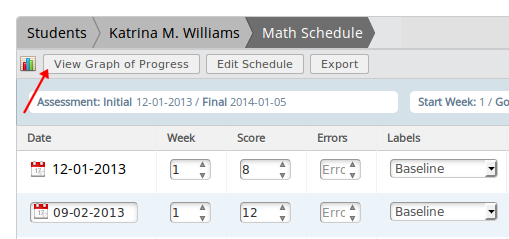
- Graph window will open and render.
- Click "Graph Options"
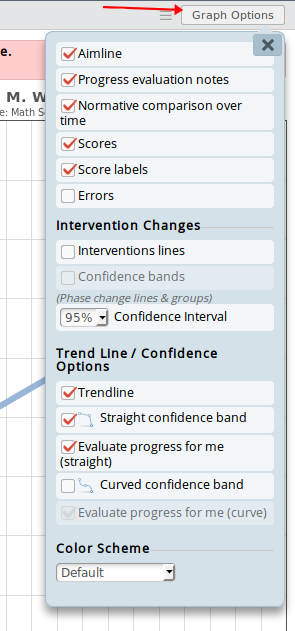
- Any option changes will automatically be applied to the graph being displayed.