Help Topics
Back to all Help Topics
(No. 6)
Add row to schedule
- Login and click "Progress Monitor"
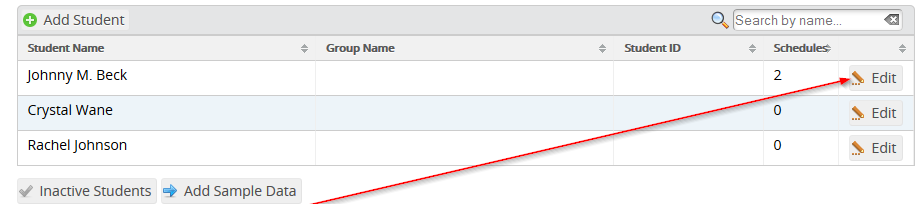
- Click on student
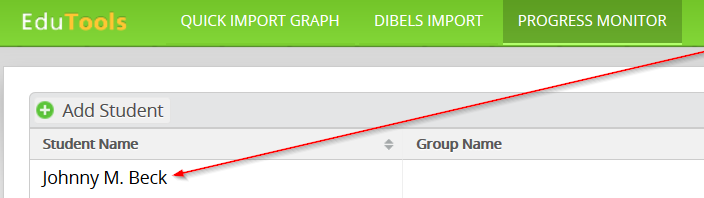
- Click on schedule
- Click "Add Row" at the bottom of the rows

- New row will be added to the bottom of the rows
